B2B (= business to business) is the web shop for specialist dealers/resellers. The seller has only a limited input opportunity. That means, he only sees his own data, can receive several range of goods resp. place purchases in ingenious.V12 and can view the orders.
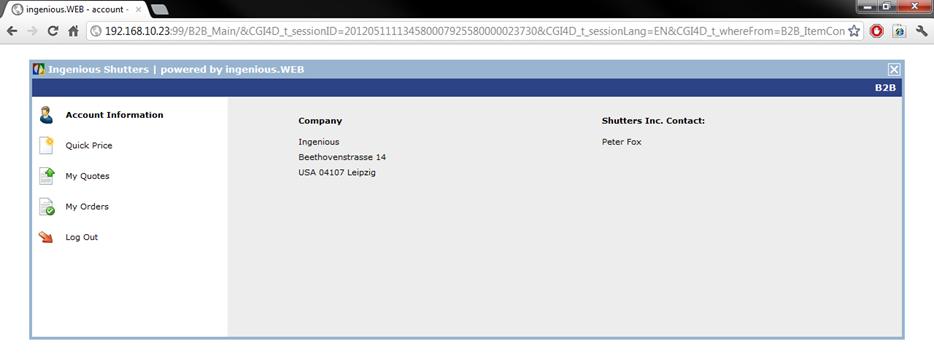
At the start the account information of the seller and the contact of your company will be displayed to the salesman.
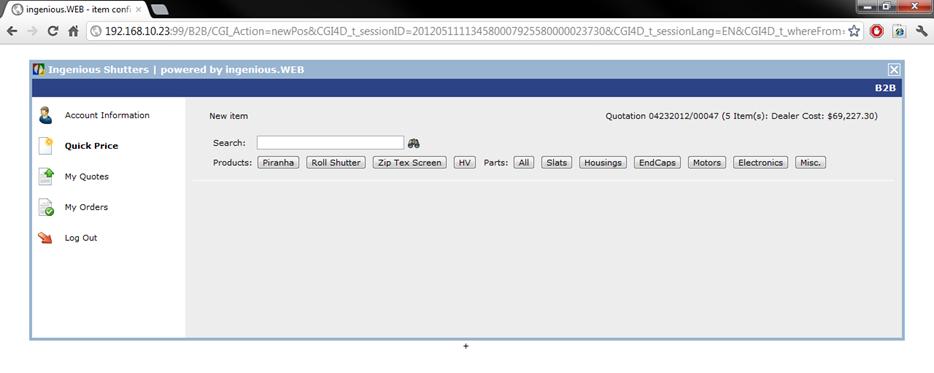
In the following category he has the opportunity to create a new quote. To do so he can enter the matchcode of a single item directly or he selects a part list with the item buttons.
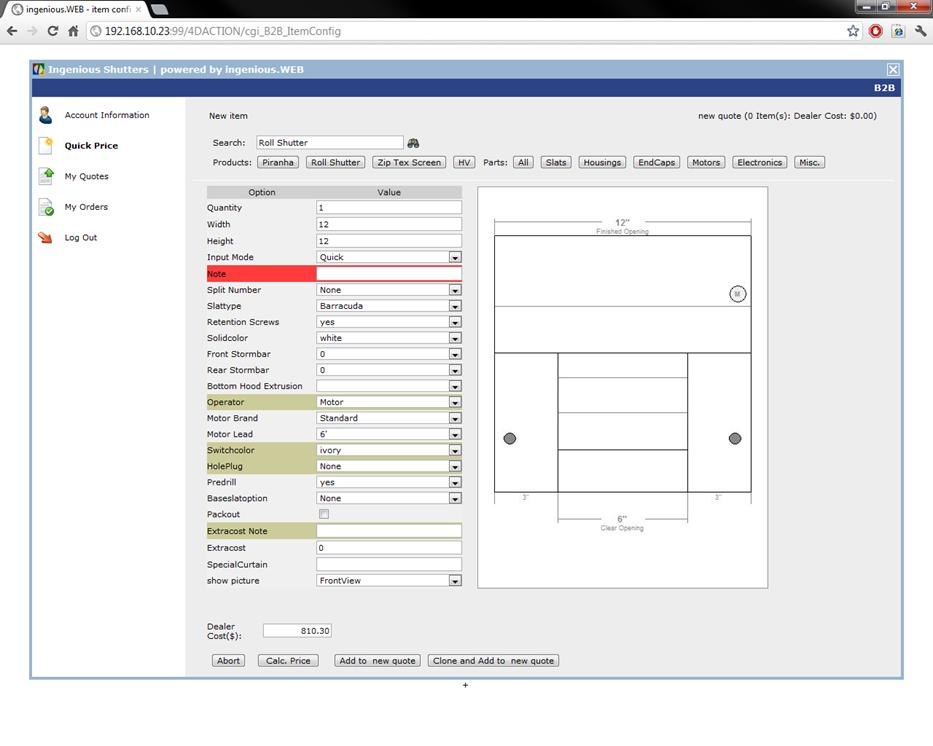
The part list will open up and the seller can modify the item attributes according to his whishes. If available in the part list, a preview picture can be displayed. Furthermore the specialist dealer can add an addition in percent or dollar for the price calculation and by clicking the button “calc price” let the net and gross price be displayed. Also all special prices for the specialist dealer will be considered. To add the article as an item, the salesman has to click on “Add to new quote”.
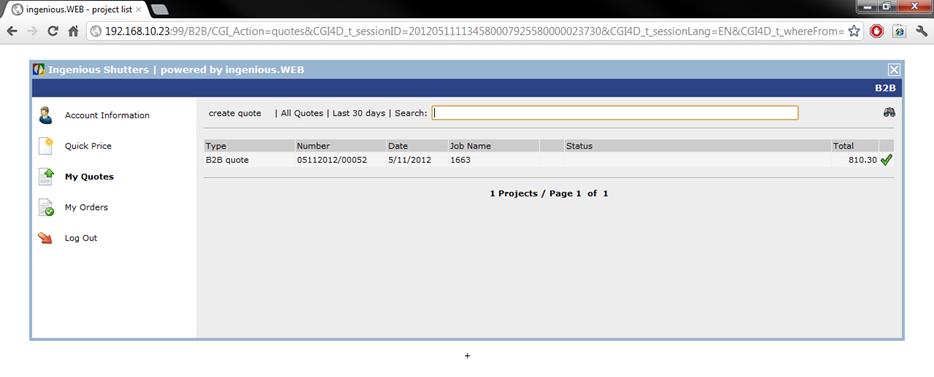
The detail view of the quote will open up, where the salesman can modify the quote, add items, delete it etc. With the buttons  and
and  a single item can also be modified or deleted. When a quote is finalized, it will be checked with a green check mark in the quote list.
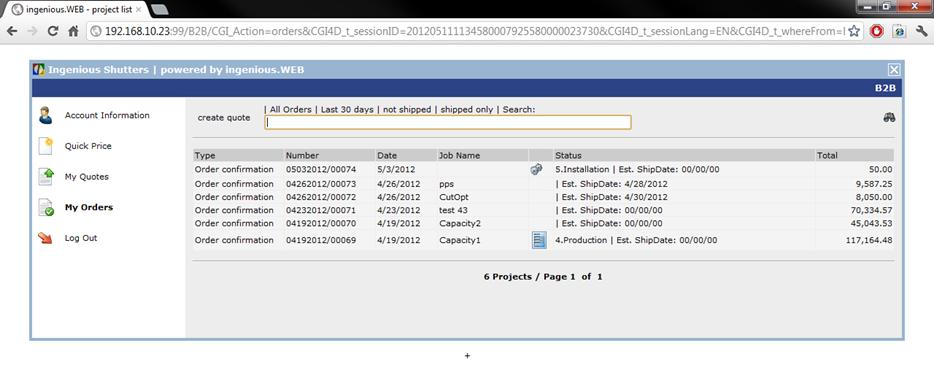
In the category “My orders” a list of all obtained orders will be displayed. With a double click a order can be opened.
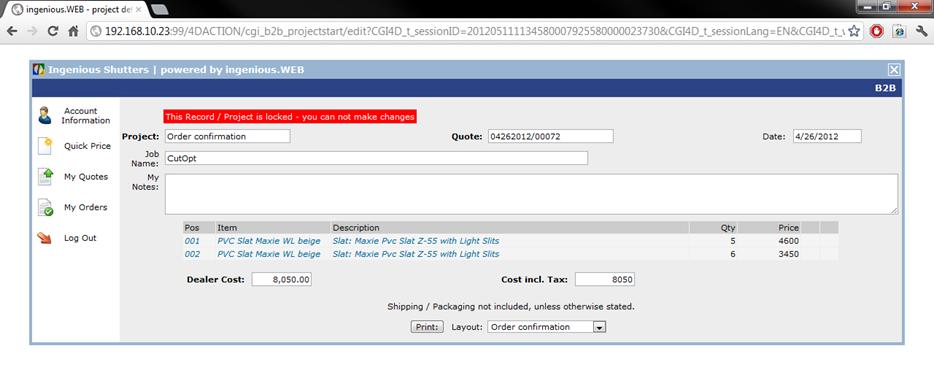
The order can only be viewed, printed but not modified.
With “Log Out” the seller can leave the B2B Web shop.